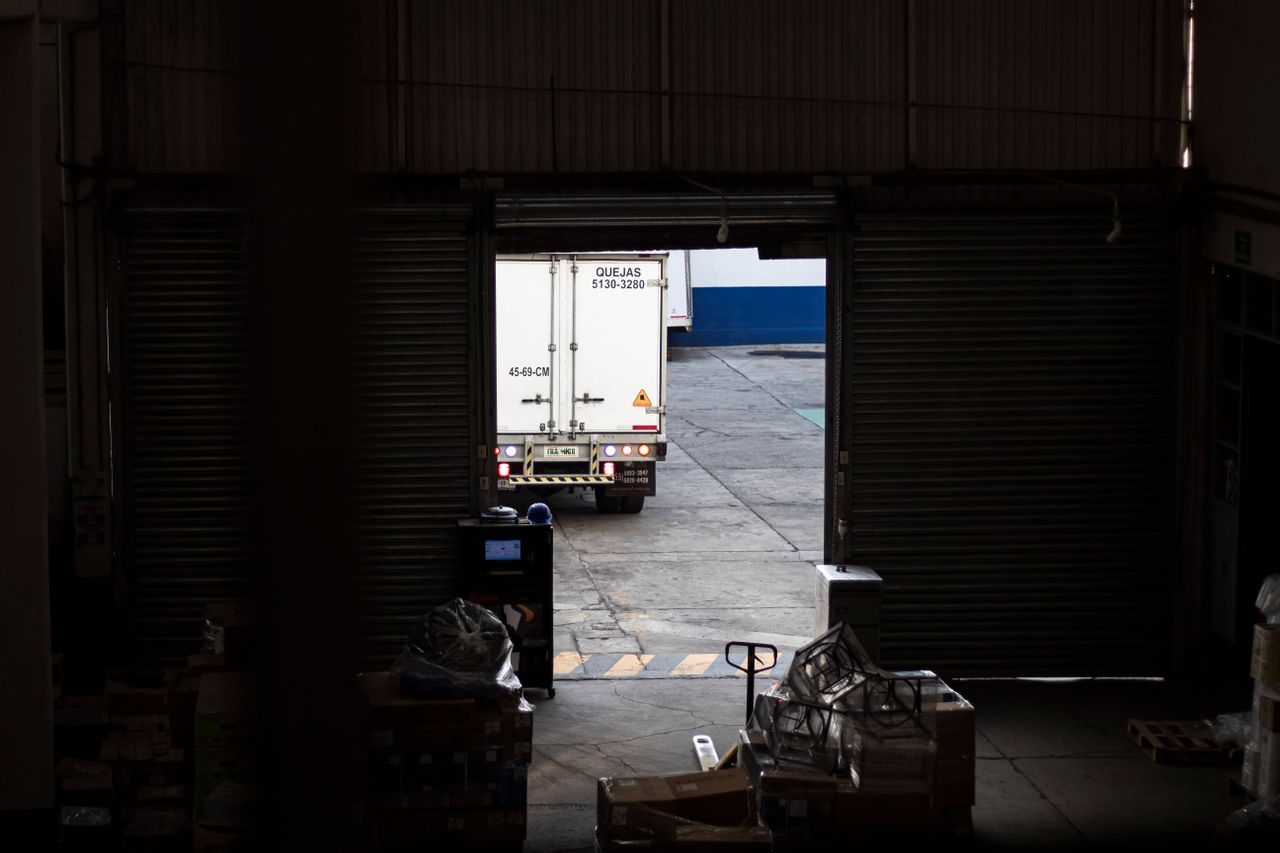
Plenty of wholesale distributors run their own trucks rather than handing every order to a courier — it's cheaper at volume, and it means a driver who knows the customers and the run. The trouble is how that run usually gets organised: a printed pick and delivery list, last-minute changes texted to a driver mid-route, and a delivery that isn't confirmed until someone remembers to mention it back at the office. It works, but it depends on people remembering things a system should just know.
Where the paper run sheet starts to crack
A printed run sheet is correct the moment it's printed and steadily less correct after that. An order added after cut-off, a customer who calls to cancel, a substitution because a line's out of stock — none of that reaches the driver unless someone chases them down or sends a text. Multiply that across several drivers and routes and the office is spending real time each morning just making sure everyone has the right list, on top of actually planning it.
And because the run sheet lives outside the order system, closing the loop afterwards means someone cross-checking what was actually delivered against what was invoiced — another manual step, and another place small mistakes creep in.
What delivery routing should actually look like
The fix isn't a fancier spreadsheet — it's routes and drivers living in the same system as the order itself:
- Customers assigned to a delivery route as part of their customer record, so new orders roll onto the right run automatically
- Office staff see every route's orders for the day in one place, not a separate list per driver to keep in sync
- Drivers work from their own view on a phone or tablet — their route, their stops, their orders — with no separate app to install
- A change to an order — added, cancelled, substituted — shows up on the run because it's the same order, not a copy of it
Run this way, the driver's list is never a snapshot from whenever it was printed — it reflects what's actually been ordered, right up until they leave.
Delivery that's already connected to stock and invoicing
Because the order a driver delivers is the same order that already adjusted stock at the point of sale, there's nothing to reconcile afterwards — no separate delivery log to match back against invoices. Once a run is delivered, those orders are sitting ready to invoice in invoicing, rather than waiting on a driver's paperwork to make it back to the office.
Why this matters more as the fleet grows
One driver and a short list of regulars is manageable on paper. Several drivers, multiple routes and orders coming in from reps, the office and a B2B online store all at once is a different problem — and it's exactly where a shared, live view of routes and orders stops being a nice-to-have and starts being the difference between a smooth morning and a chaotic one.
Routes, orders and stock on one system
Cognit assigns customers to delivery routes on their customer record, gives drivers their own view of their run, and keeps it all connected to the same orders, stock and invoicing your office already works from — no separate delivery spreadsheet, no re-typed run sheet. It's the same approach we take across wholesale distribution more broadly: one system, rather than several that don't talk to each other.
Getting your delivery runs off paper
If your mornings involve printing run sheets and hoping every last-minute change reaches the right driver, it's worth seeing what a connected route and driver view looks like against your own customers and orders. See pricing or book a demo to try it out.
Frequently asked questions
Do wholesale distributors need delivery route software, or is a spreadsheet enough?
A spreadsheet can hold a run list, but it can't update itself when an order is added or cancelled after the run is planned, and it doesn't tell the driver what's actually on the truck. Delivery route software that's connected to live orders and stock keeps the run sheet correct right up until the driver leaves, rather than being a snapshot from whenever it was last printed.
How does Cognit organise delivery routes?
Customers are assigned to a delivery route as part of their customer record, so orders roll up onto the right run automatically. Office staff can see every route's orders for the day in one place, and drivers see only the stops and orders assigned to them.
Does the driver need a special device or app to install?
Drivers use Cognit's driver view from a phone or tablet in a browser — no separate app to install or keep updated. It shows their assigned route, the orders and quantities for each stop, and lets them work through the run in order.
Does this replace our couriers, or is it just for our own fleet?
It's built for distributors running their own delivery fleet or driver team — organising who's delivering what, on which run, from live orders. If you also use couriers for some orders, those can still be invoiced and tracked through Cognit; the route and driver view is specifically for runs you're operating yourself.
Does a delivery run update stock and invoicing automatically?
Yes. Because routes are built from real orders in the same system as stock, sales and invoicing, there's no separate delivery spreadsheet to reconcile afterwards — the order a driver delivers is the same order that already adjusted stock and is ready to invoice.